Effective captioning strategy for image generation
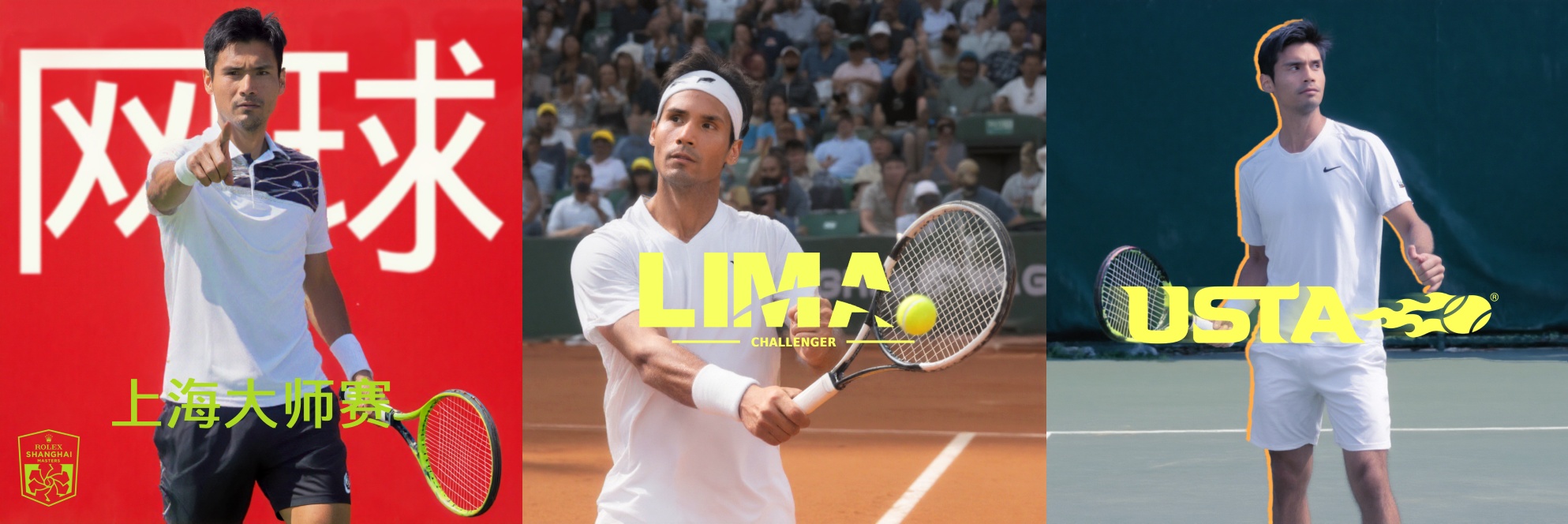
I love tennis, maybe even more than I love technology. So I ask myself, what if I want to create a promo ads based on a fictional pro tennis player that plays for different tournaments worldwide? Since I couldn't hire a model, I ended up using my own image to train a model that would stamp my face in the image generation pipeline.
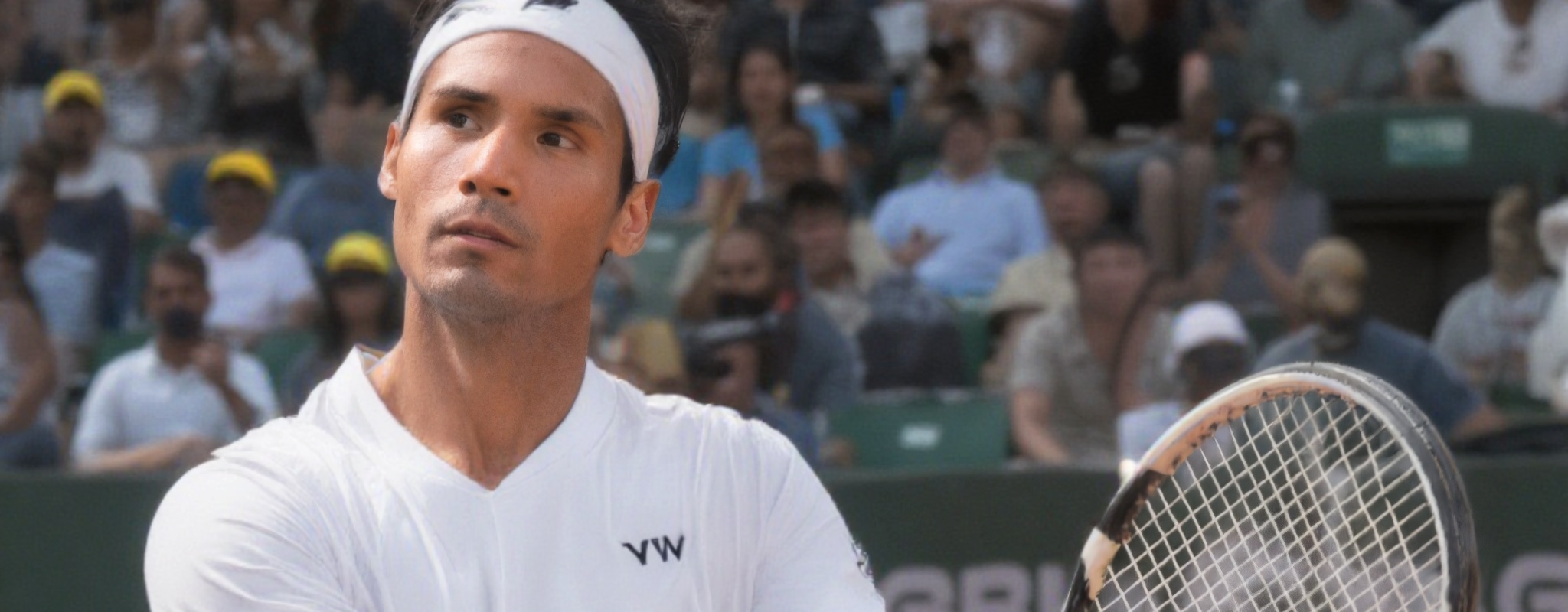
As I was working on it, I came across an interesting research paper on how to create effective captioning strategies to improve 'diffusion model performance'. Why does this matter? Well, they directly impact the performance of the diffusion model that generates an image! Before running into that, let me break my project down. I promise it won't be tedious, but no guarantees though!
- Dataset Curation → sample selection, formatting, quality control
- Captioning Strategy → VLM selection, structured prompts, length distribution (DeepSeek, Claude, JoyCaption comparison)
- LoRA Training → Flux Krea trainer on Fal.ai, trigger word, hyperparameters
- Prompt Engineering → trigger word usage, scene composition, style direction for generation
- Image Generation / Editing → Flux Krea / Kontext & Multi-pass compositing
1. Dataset Curation
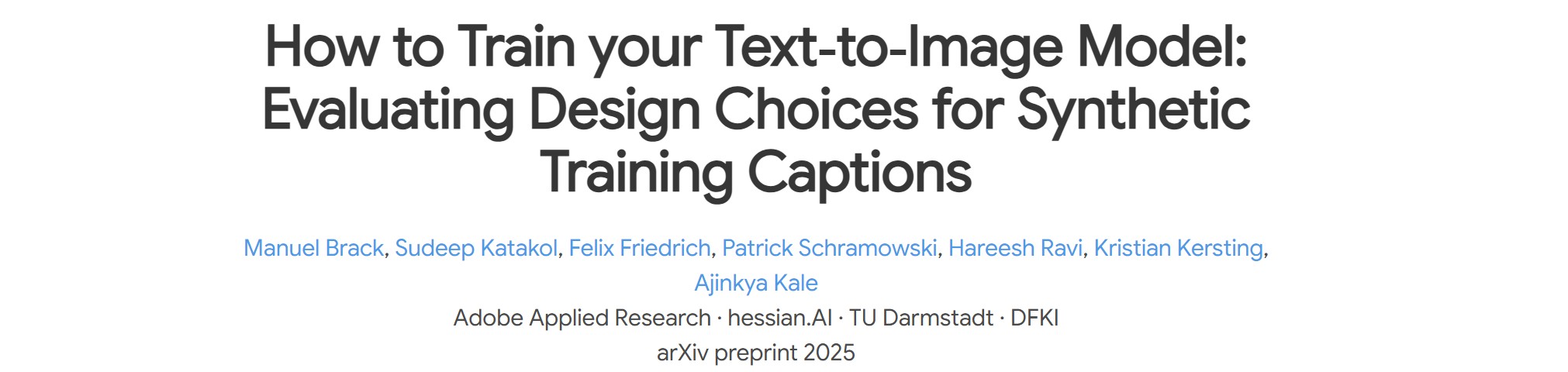
A key takeaway here was not to include hands or unnecessary elements other than portrait style and close-up samples for the dataset. Why? Mainly to avoid 'feature bleeding' which means the model can associate those extra features as inherited components of the subject's identity. Is this why so many LoRA models fail to generate subjects with the correct number of fingers? I suspect this may be related, though it deserves deeper research.
2. Captioning Strategy
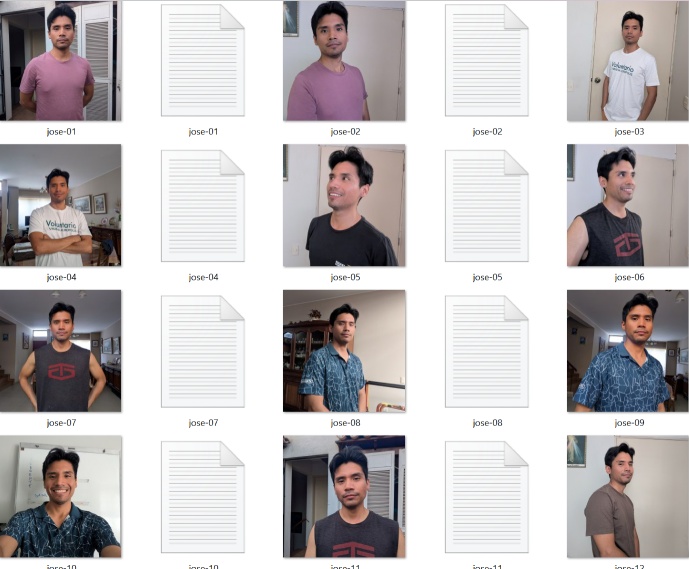
Captioning means creating effective labels for each image sample. The question is: when we train a model on a specific subject, what do we want it to learn about that subject?
In my case, I want the model to remember and preserve the biological features of the pro tennis player: his face, eyes, hair style, skin tone, body shape, etc.
In order to teach this to the model (which we'll refer as 'LoRA'), I need to describe the non-essential elements of the subject on each image sample. Here's an example:
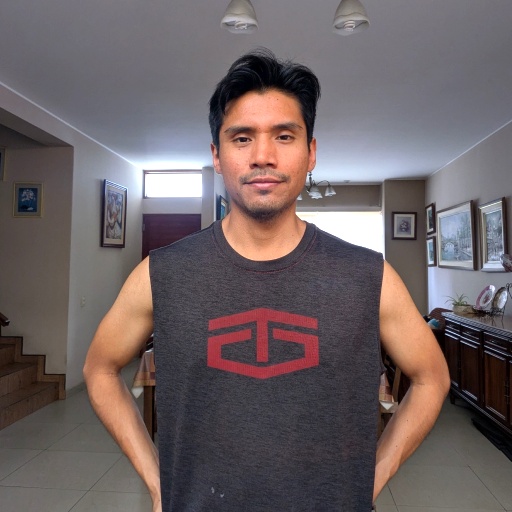

Takeaways
Do we like nicknames? I do. So do LoRA models. That's why we assign a trigger word, which is a unique token the LoRA learns to associate with the subject's identity. In our case, "JoseStyle" is the nickname of our trained model.
The Adobe paper mentioned that creating too specific, detailed captions can hurt the quality of the generated image outputs. Now, this seems weird, since one would assume a more precisely labelled image is accurate of the nature of the sample; but I learned that too niche captions constrain the model to overly specific token combinations. This is especially true when you use short, simple prompts for rough base passes.
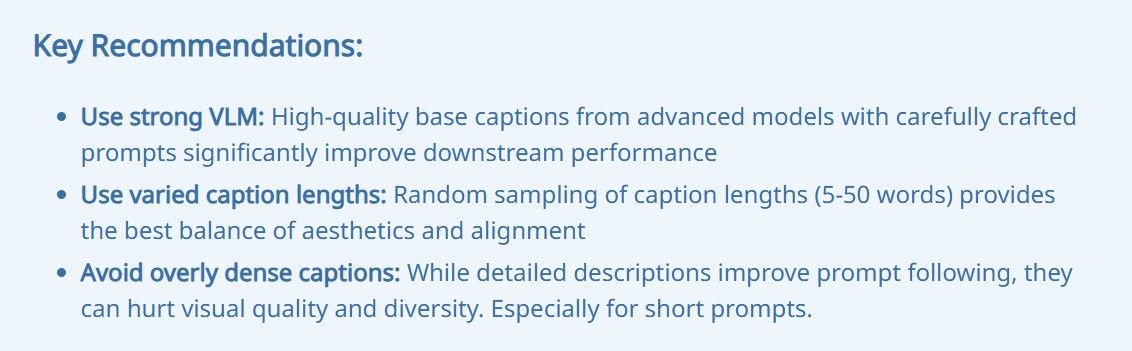
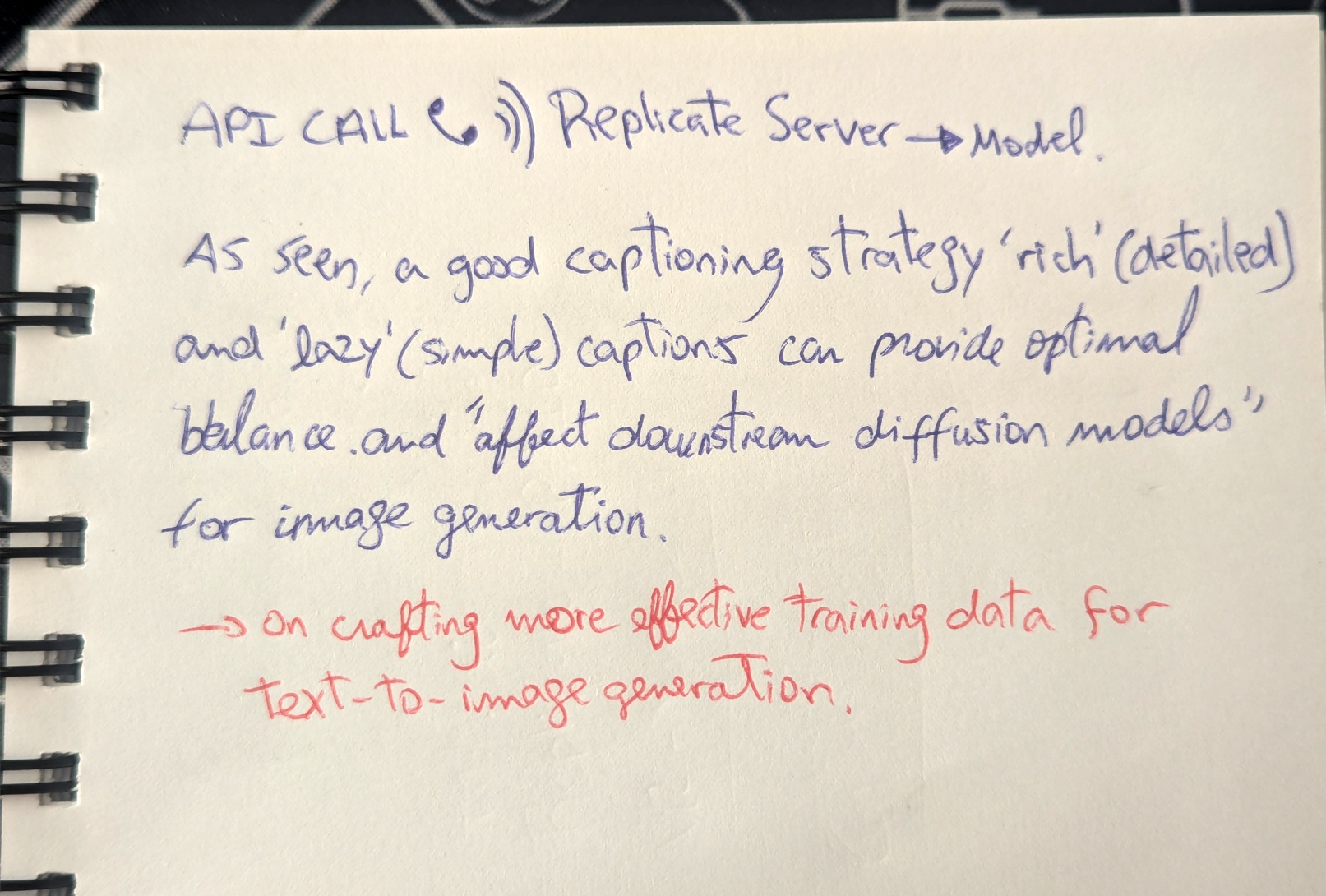
So what's the solution? The Adobe paper explained that combining 'lazy' (simple) and 'rich' (detailed) captions may lead to better results as 'diversity in training captions mitigate aesthetic and alignment trade-offs'. Other factors also matter: the quality of the VLM you use and how you engineer your prompts. I also learned that randomizing caption lengths helps achieve this balance.
So I wrote a script that:
So I wrote a script that:
- Takes the images,
- Calls a VLM via API,
- Describes each image using a structured token rule:
[My LoRA trigger word], [shot framing], [camera angle], [clothing], [expression], [lighting], [background]
The script generates three prompt styles following this rule:
- Short – 2–3 words per token slot
- Balanced – 4–6 words per slot
- Detailed – 7–10 words per slot
VLM benchmark
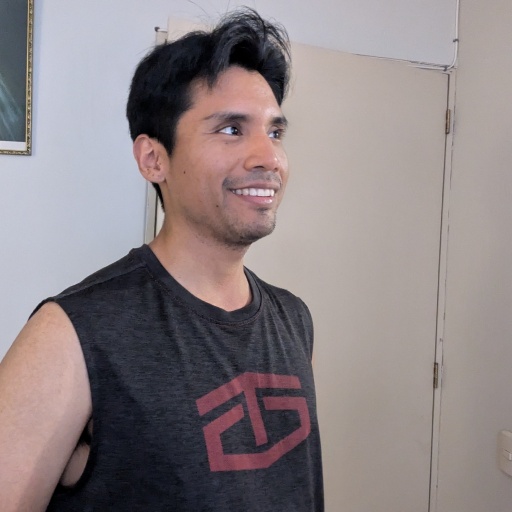
I tested different VLMs to see which ones give better caption descriptions based on the following image.
-
JoyCaption – it combines a language model and vision encoder mounted on a 'LLaVA architecture' (god knows what this means).
"JoseStyle, medium shot, eye-level, sleeveless dark gray shirt with red 'GS' logo, smiling, soft natural light, beige door and white wall background, short black hair, light skin, slight stubble"
-
DeepSeek – DeepSeek-VL2
"JoseStyle, close-up, eye-level, casual t-shirt, neutral expression, natural daylight, indoor setting"
-
Claude – claude-sonnet-4
"JoseStyle, chest-up shot, slight high angle, wearing dark gray sleeveless muscle tank with red graphic print, smiling expression, looking to the right, soft indoor diffused light, plain beige door and light gray wall background"
As you can see, JoyCaption and Claude produced the most grounded results; DeepSeek consistently hallucinated details not present in the image regardless of model size. However, results would need further testing to reach much more bold conclusions.
3. LoRA Training → Flux Krea trainer on Fal.ai
This was a quite straightforward step that I won't dive into as there are many tutorials one can follow to train a model. Or, you can ask your favourite chatbot on the best way to proceed based on your needs, sample quality, model type, etc. I used Fal.ai as that was the one used in a tutorial I saw.
4. Prompt Engineering + Image Generation
This was an iterative process based on Flux Krea for base pass image generation and Flux Kontext for image editing. However, I sometimes used Krea for editing as well as it can provide better results. A good rule of thumb I found working for me was:
Flux model + Image (Masked) + Flux-specific prompt style → gives good overall results.
Probably one of the trickiest jobs since it requires a good eye and prompt engineering skills as well.
5. Image Editing → Photoshop, graphics, masking, multi-pass compositing
This is the fun part as you're already happy with your image pass and start doing some editorial work, reworking the image, adding graphics and color post processing effects to tune it up to the point you want.
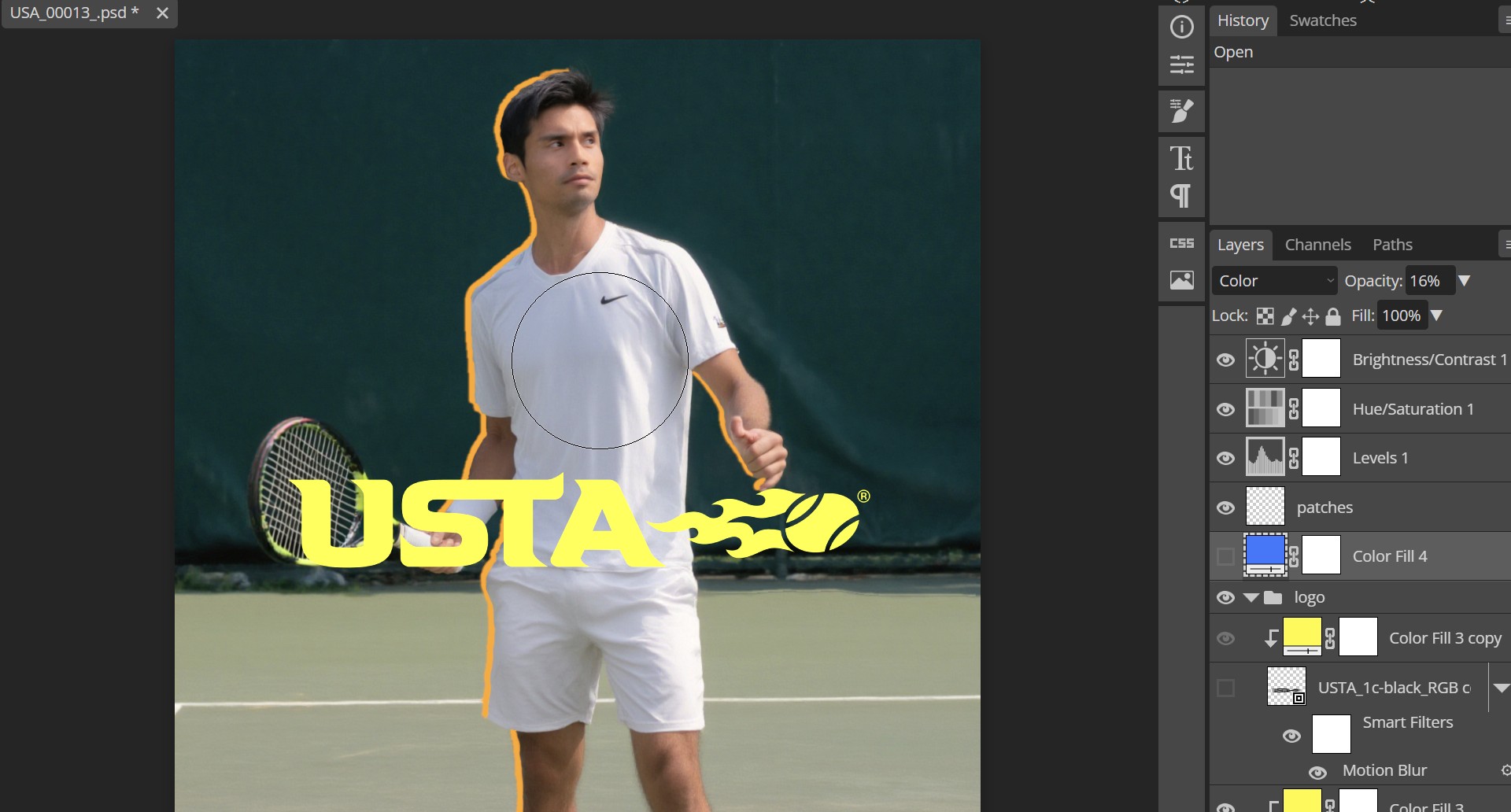
I really enjoyed diving into this pipeline. How then a question arises, do I really need to do all this for quite a small dataset training? Probably not, and that is fair unless the LoRA training requires captioning a hundred-batch images, then manual work doesn't really make sense. Here's when a tech artist can think about ways to handle this in a clean and positive way for the team.